 English
 Français
 Español
 Українська
 Deutsch
How does the RSVP link work?
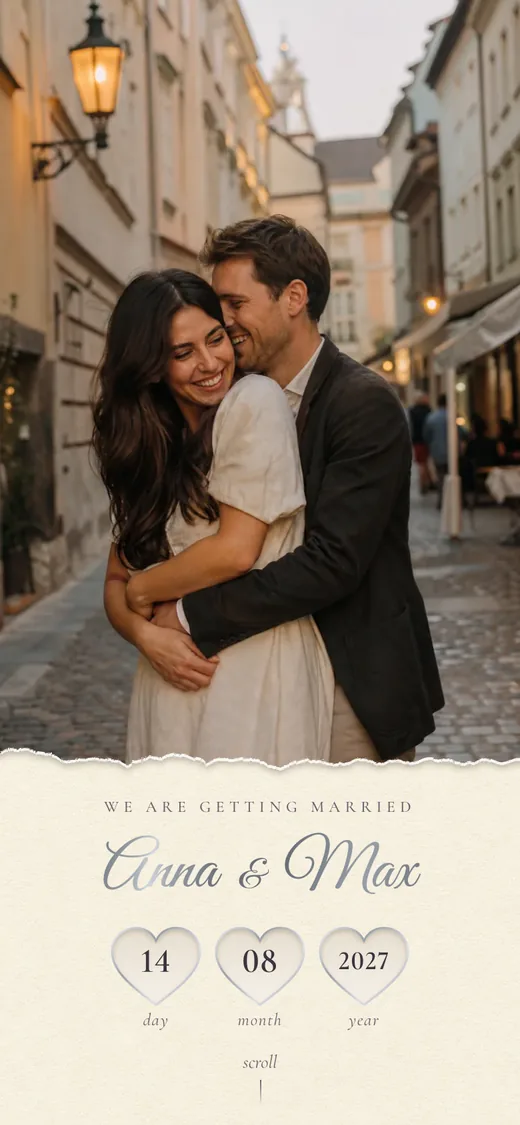
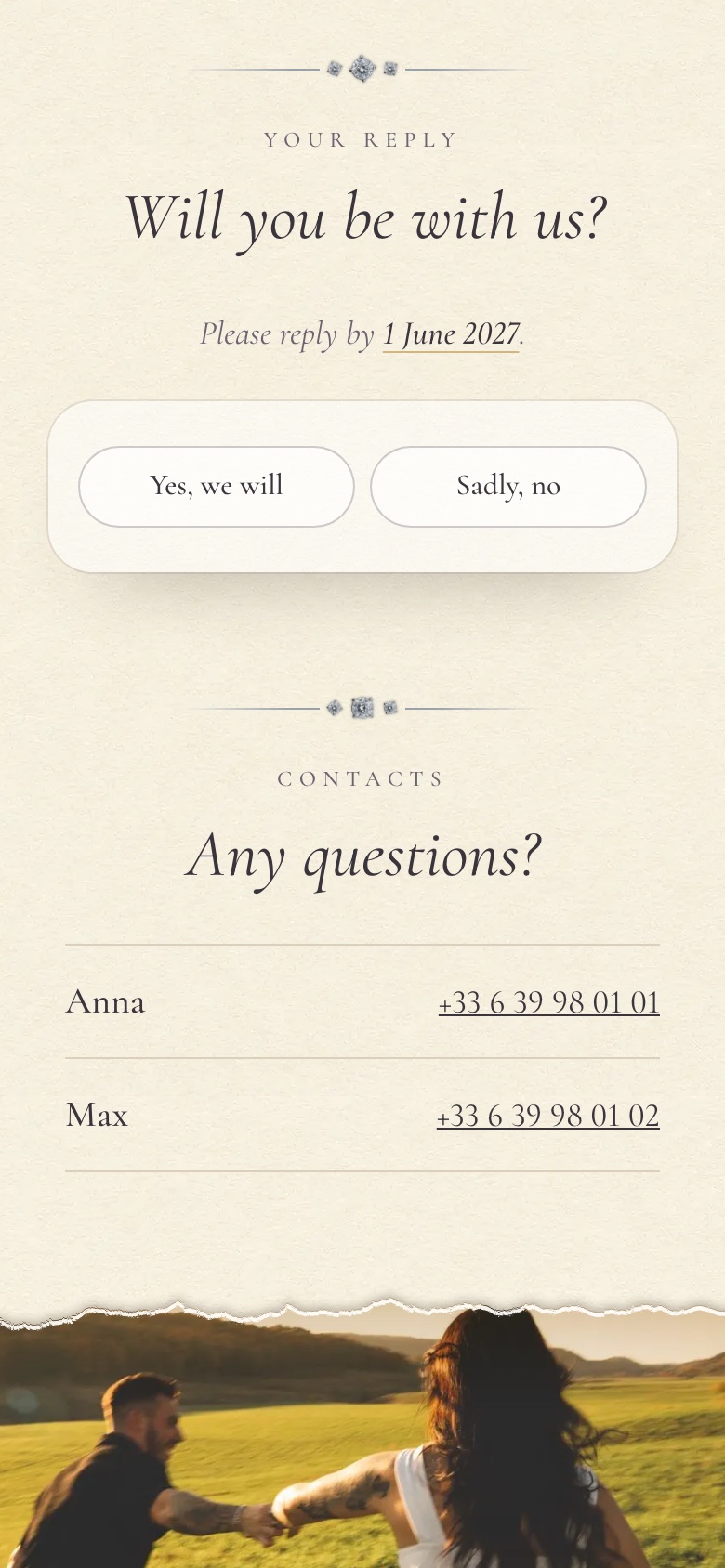
You send one link, such as anna-max.mydayinvites.link. The form sits at the end of the invitation, after the order of the day and the places, so guests answer knowing everything. Each reply becomes a row in a Google Sheet shared with you: filter it, download it, or send it to the venue. An email lands in your inbox with each one.
What the word itself means, and how guests answer, is in our guide what does RSVP mean on a wedding invitation. 💌
What can you ask your guests?
Name and "Will you come?" are always asked. Basic asks the essentials: how many of you, children, and food and allergies. On Premium you choose the questions:
- the ready ones you want, and a song for the dance floor
- in Akoya and Blossom, where guests are coming from; in Akoya, also how they will get there
- up to three questions of your own in Akoya and Blossom: yes or no, one of a few options, or a short answer
In Veil, guests answer whether they bring a partner, how many children, and food and allergies, and on Premium they can name a song.
Which questions to switch on, and when to set the reply-by date, is in our guide how to set up RSVP for your wedding.
Do guests need an app or an account?
No. The invitation is a page that opens in the phone’s own browser, from any chat or email. Guests type their names and tap their answers. Nobody signs up, and nobody downloads anything.
Who can see it?
Only the people you send the link to. Search engines do not index your invitation, it has no ads, and guests make no accounts. Answers go to a Google Sheet shared with you; we do not sell or use them, and we delete them 3 months after the wedding unless you ask us to keep them longer.
Can you change it after sending?
Yes, any time. Your edit link opens the invitation in the builder: change a time, a place or a whole section, press "Publish changes", and the same link shows the new version a few minutes later. Your guests never need a new link.
Your RSVP form and the answers already in the Sheet stay as they are.
How much does it cost?
One payment per wedding, for any number of guests. Basic is €39: one language, music from our library and the RSVP; each extra language is €15. Premium is €89: the RSVP questions you choose, your own colours, your own song on request, and your invitation in every language your guests read: English, Ukrainian, Spanish, French and German. Making it is free; you pay only when you publish. All plans are on the pricing page.
Can you see it before you pay?
Yes. Type your names and see the invitation with them, then make all of it in the builder. You pay when you publish. Changed your mind before any guest replies? Full refund within 14 days.