 English
 Français
 Español
 Українська
 Deutsch
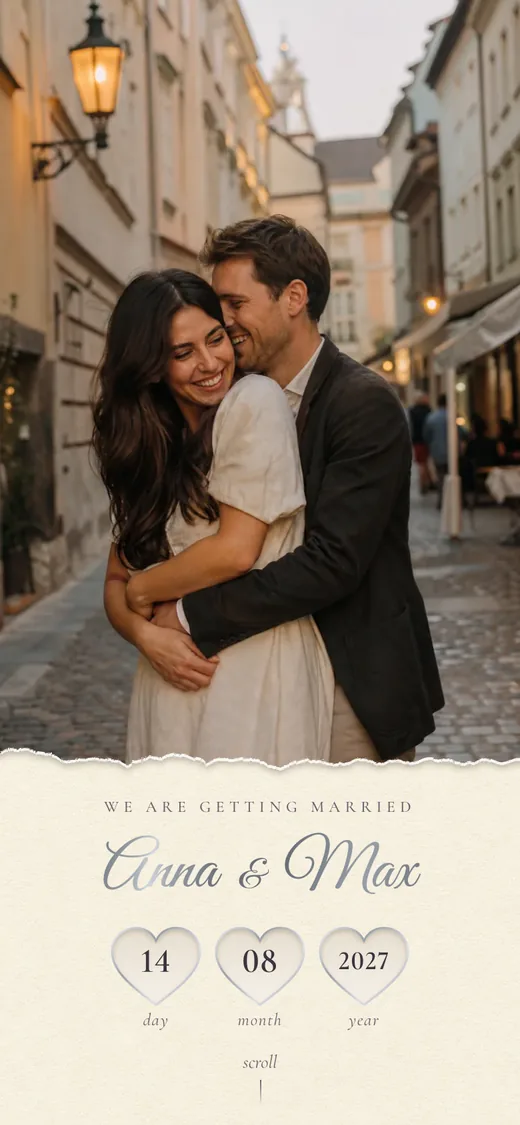
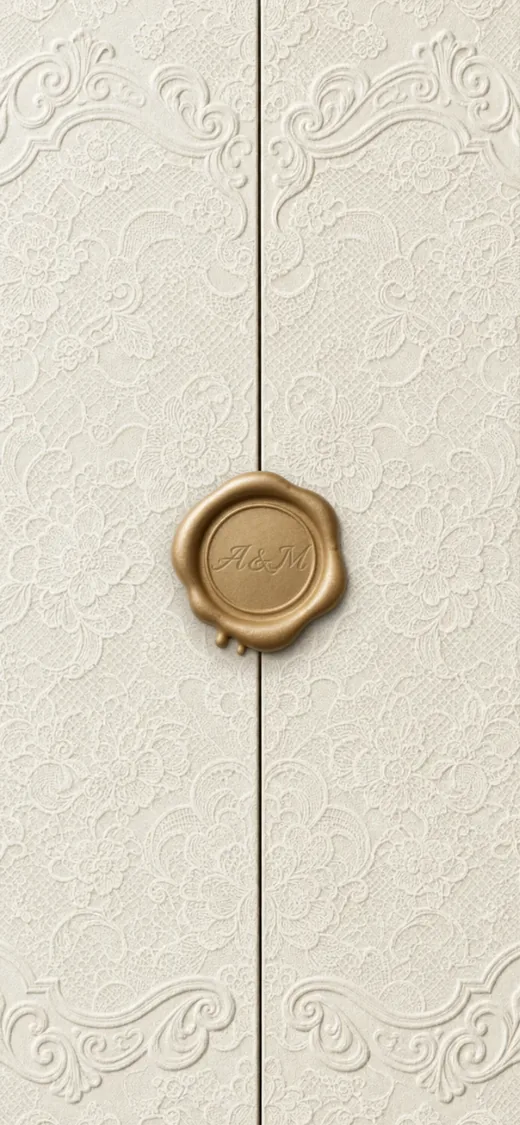
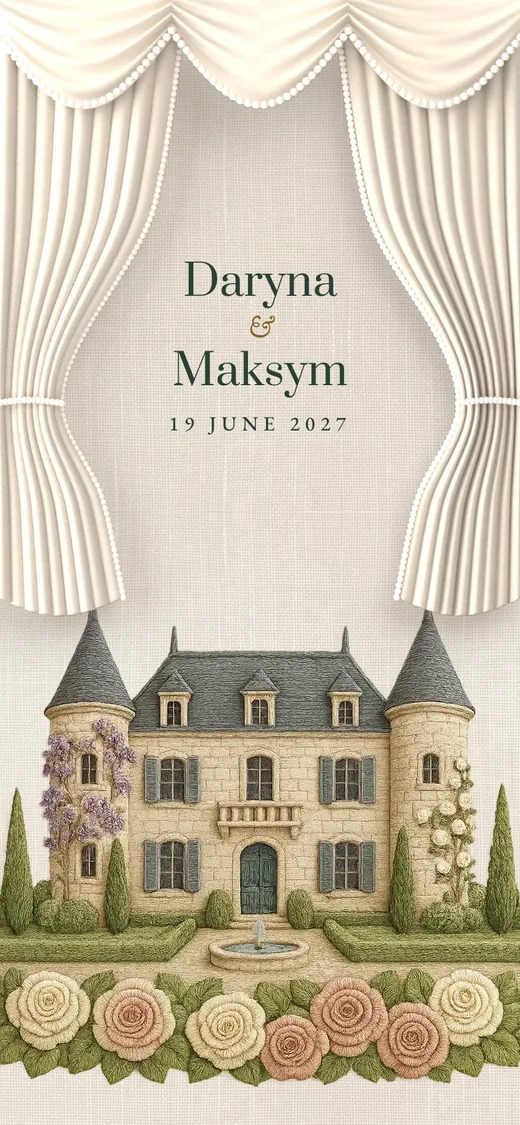
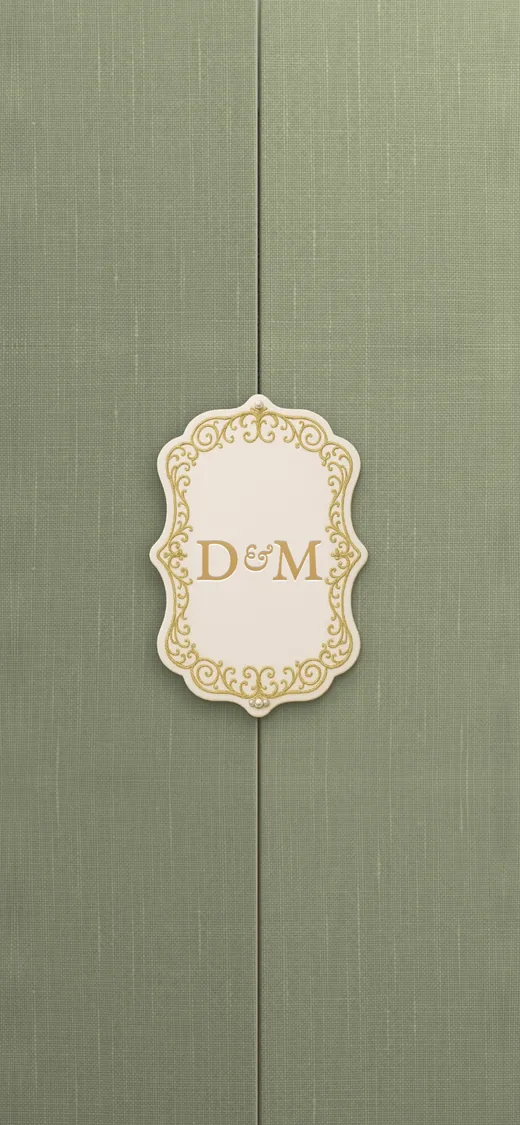
Which design suits your wedding?
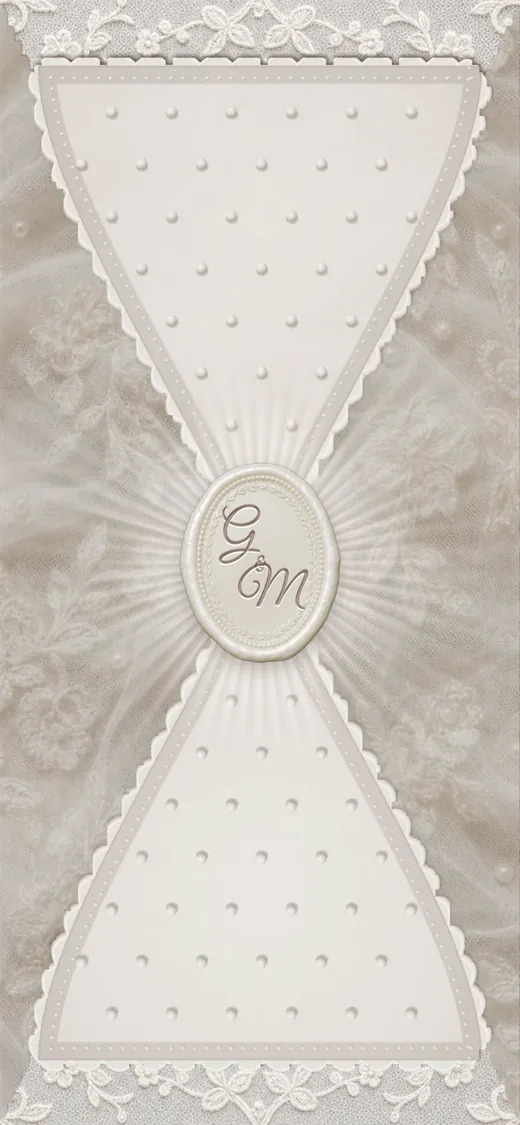
- Akoya - a lace gatefold envelope under a gold wax seal. Pearl and champagne, your photo on the cover, and a date your guests scratch free of silver foil.
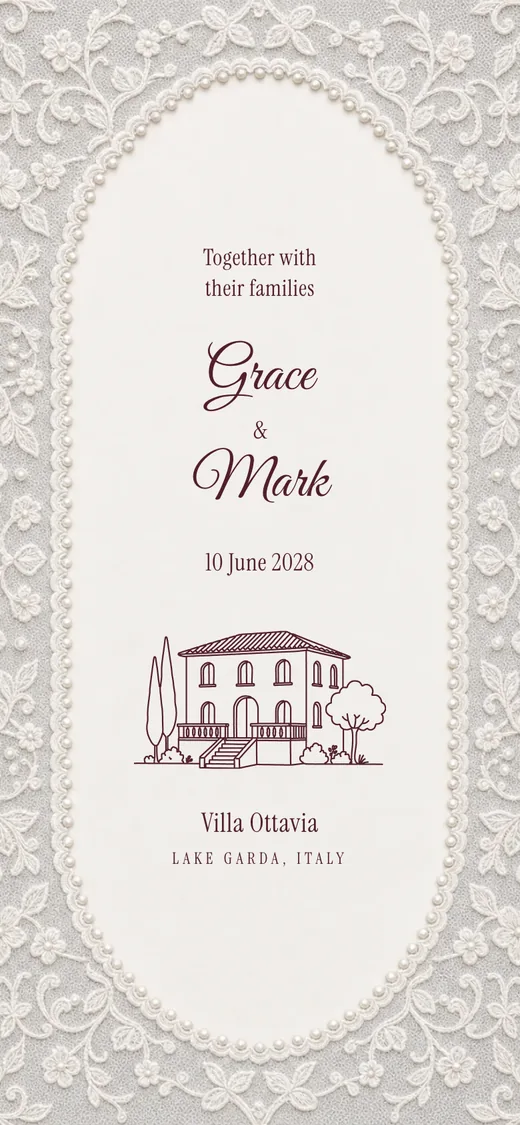
- Veil - four lace flaps, a pearl oval and merlot script. Ivory lace around an oval card, with a drawing of the venue or a photo of your own.
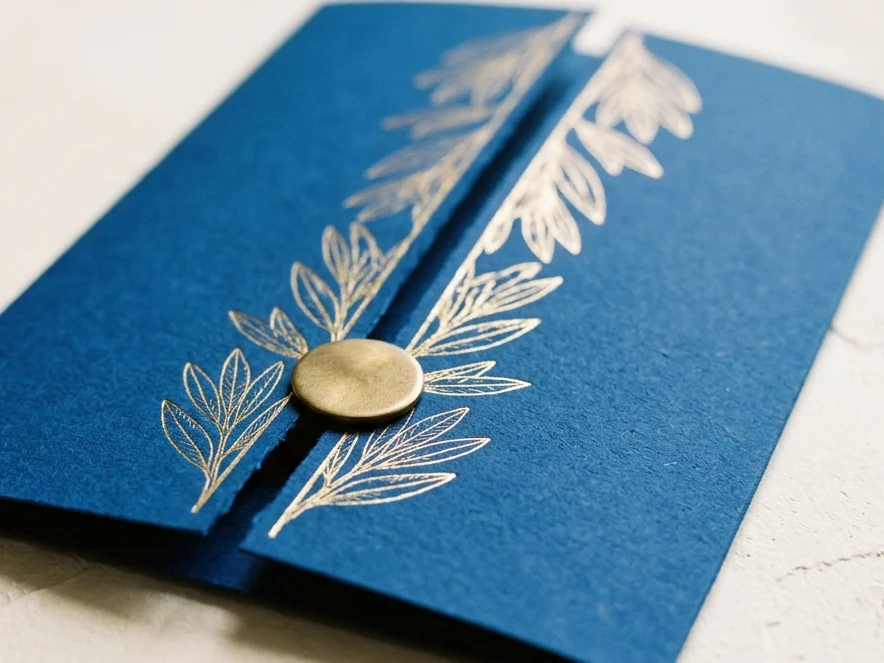
- Blossom - sage linen doors, a satin curtain and an embroidered garden. Swans, a countdown in pearl medallions, and your venue embroidered from a set of eleven.
Each design has a live demo: open it as your guests will see it.
Compare the designs: Akoya, Veil and Blossom
What really differs between the three designs. Everything else - the letter, the order of the day, the maps, the dress code, gifts and the RSVP - is in all of them.
| Akoya | Veil | Blossom | |
|---|---|---|---|
| The opening | a lace gatefold envelope | four lace flaps | linen doors and a satin curtain |
| The seal | your initials, gold | your monogram | your initials, in gold, silver or rose gold thread |
| Colour sets, free | 4: ivory and gold, blush and rose gold, sage and olive, navy and gold | 4: burgundy, navy, forest, plum | 4: sage, dove blue, blush, forest |
| A small game | scratch the date free of foil | no | no |
| A wide opening on a laptop | no | no | yes |
| Add to calendar | yes | no | yes |
| Blocks of your own | 2 | no | 2 |
| Your own RSVP questions (Premium) | up to 3 | no | up to 3 |
Pick one and try it with your names - free until you publish.
What lands in your Google Sheet
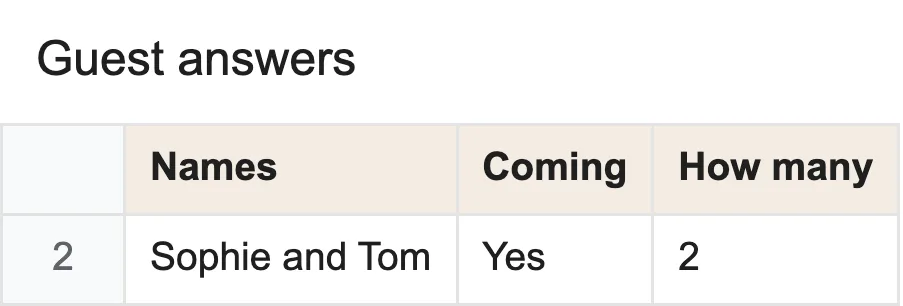
One row per reply, in your language, one column per question you ask - for example Names, Coming, How many, Children, Food and Message. In Akoya and Blossom, Bus seats and Room join when you switch on transport and where to stay, and Premium adds up to three questions of your own. The Sheet is shared with you to read, so the columns stay in place; filter it or make a copy. Each reply also comes to your inbox.
See how the RSVP works.
What is in every invitation?
The parts you switch on: your initials on the seal, a letter to your guests, the date and a countdown, the order of the day, the places with maps, travel and where to stay, the dress code, gifts, and the RSVP. Guests open it with one tap in WhatsApp, iMessage, a text or an email, with no app and no account.
New to this? How to make a digital wedding invitation, in 4 steps.
How much does it cost?
One payment per wedding, for any number of guests. Making it is free; you pay only when you publish. From €39; all plans are on the pricing page.