 English
 Français
 Español
 Українська
 Deutsch


Step 1. Gather the facts
Before you pick a design, write down:
- the date and the start time
- every place with its exact address: the ceremony, the church, the reception
- the plan of the day, even a rough one
- the date you need answers by
- the hotel and transport, if guests travel in
Times not final yet? Write what you know: you can change it later, and the same link shows the new version.
Step 2. Pick a design and type your names 💍
Look through our invitation designs and open a live demo on your phone, the way guests will see it:
- Akoya - a lace envelope under a gold wax seal
- Veil - four lace flaps and a pearl oval
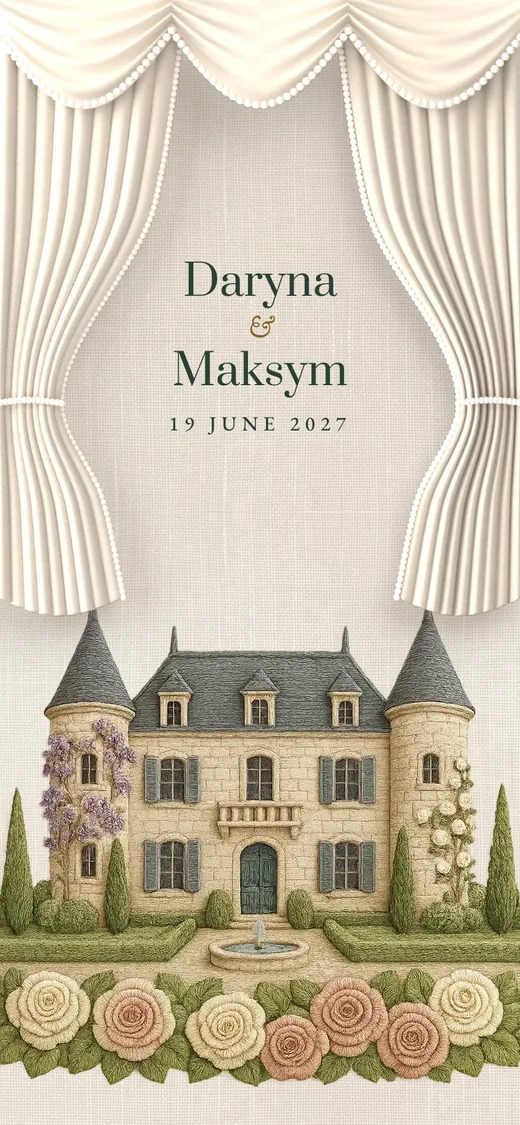
- Blossom - linen doors and an embroidered garden
Then type your names on the home page and see the invitation with them. Free, no account.
Or open the builder now and fill it in as you read the next two steps - make your invitation with your names.
Step 3. Fill it in
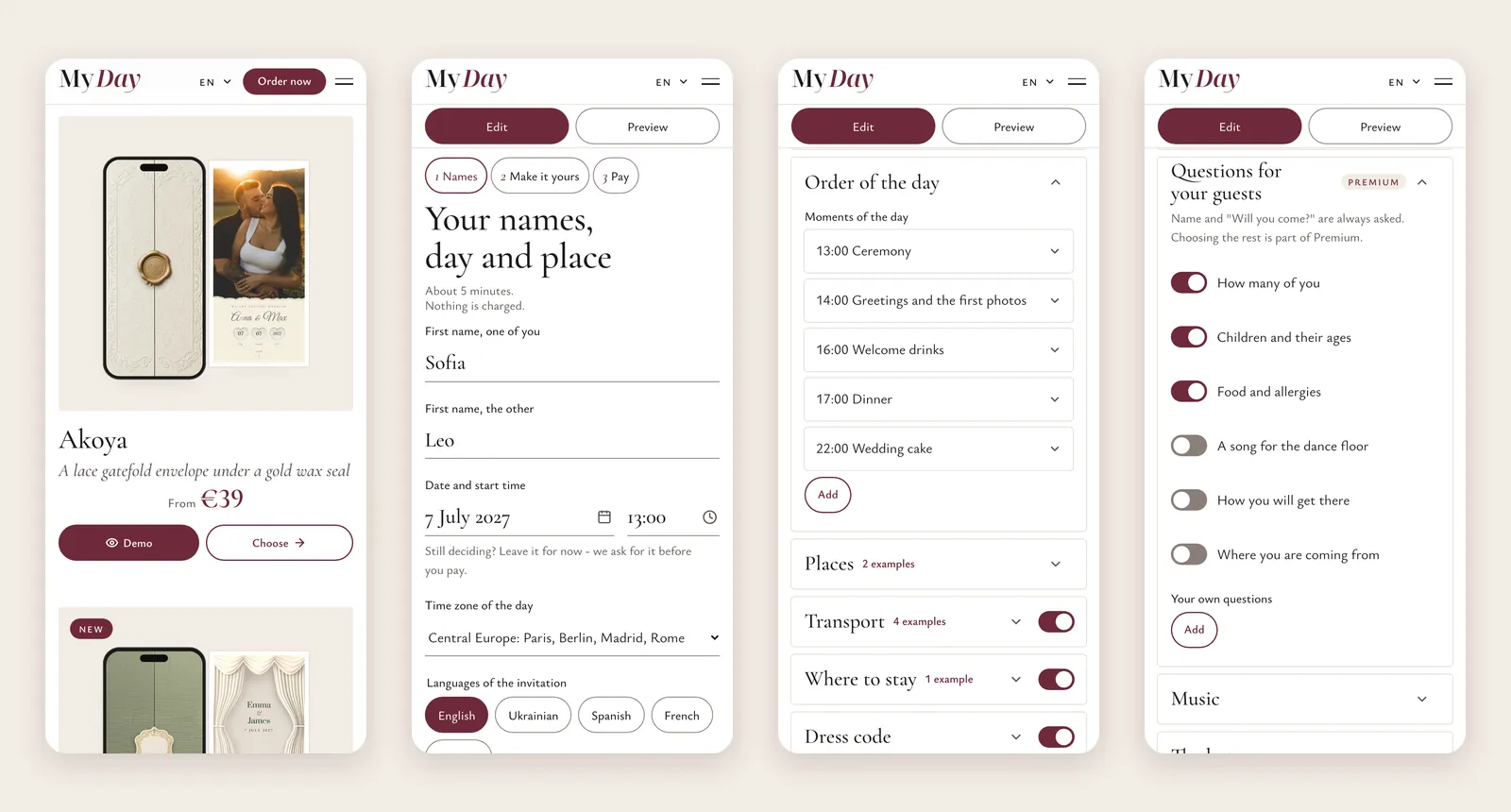
In the builder you write yours over our examples, and the invitation redraws beside the form:
- Text
- Short and in your own words: who invites, when, where, and the reply-by date.
- Places and plan
- From step 1, each place with a map.
- Photos and blocks
- Switch on only what guests need.
- Questions for guests
- Only the ones you will use.
Each extra question is one more reason to put the answer off. Basic asks the main ones: how many of you, children, food and allergies. On Premium you choose the questions and can add up to three of your own - more in how to set up RSVP for your wedding. For a text in two languages, see bilingual wedding invitation wording.
Step 4. Publish and send it personally 📨
Pay, and the link comes by email. Before you send it to guests, test the form: send one test answer under the name "Test" and check the row appears in your Google Sheet and the email reaches you. The row stays, so leave it out when you count.
Then send it to each guest on their own. A link in the group chat gets lost among messages; a personal one gets an answer. A couple whose guests lived in several countries did it like this:
- a separate message with the link to each guest
- a call to older relatives as well
- a printed invitation for a few: every invitation plan includes a print-ready invitation, an A6 PDF
- the group chat only after the personal ones
Guests had almost no questions: the plan, the places and the reply form were all in the invitation. Most answered within a few weeks. For the quiet ones, a short reminder helps - texts to copy are in the wedding RSVP reminder guide.
Can you change it after sending?
Yes, any time. Your edit link opens the invitation in the builder: change a time, a place or a whole section, press "Publish changes", and the same link shows the new version a few minutes later. Your guests never need a new link.
How much does it cost?
One payment per wedding, for any number of guests. Basic is €39: one language, music from our library and the RSVP; each extra language is €15. Premium is €89: the RSVP questions you choose, your own colours, your own song on request, and your invitation in every language your guests read: English, Ukrainian, Spanish, French and German. Making it is free; you pay only when you publish. All plans are on the pricing page.
See it with your names
Start with step 2: type your names and see how your invitation will look. You pay only when you publish. See it with your names